LoloBuy
Spreadsheet

Your next find starts with a closer look.

ค้นหาด้วยภาพ

Fresh from the spreadsheet

Browse all finds

ค้นหาหมวดหมู่ของคุณ

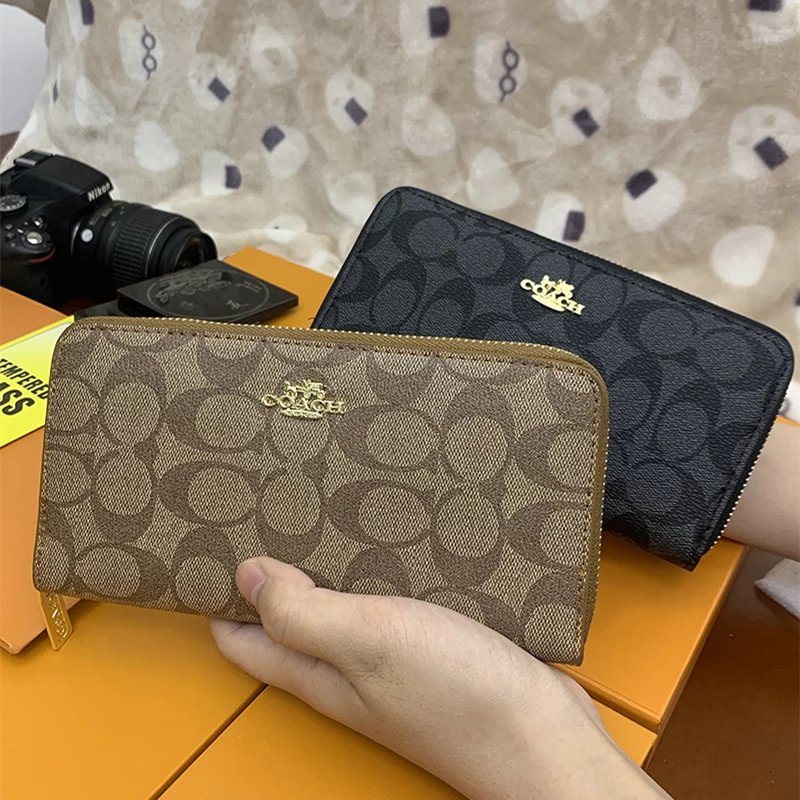
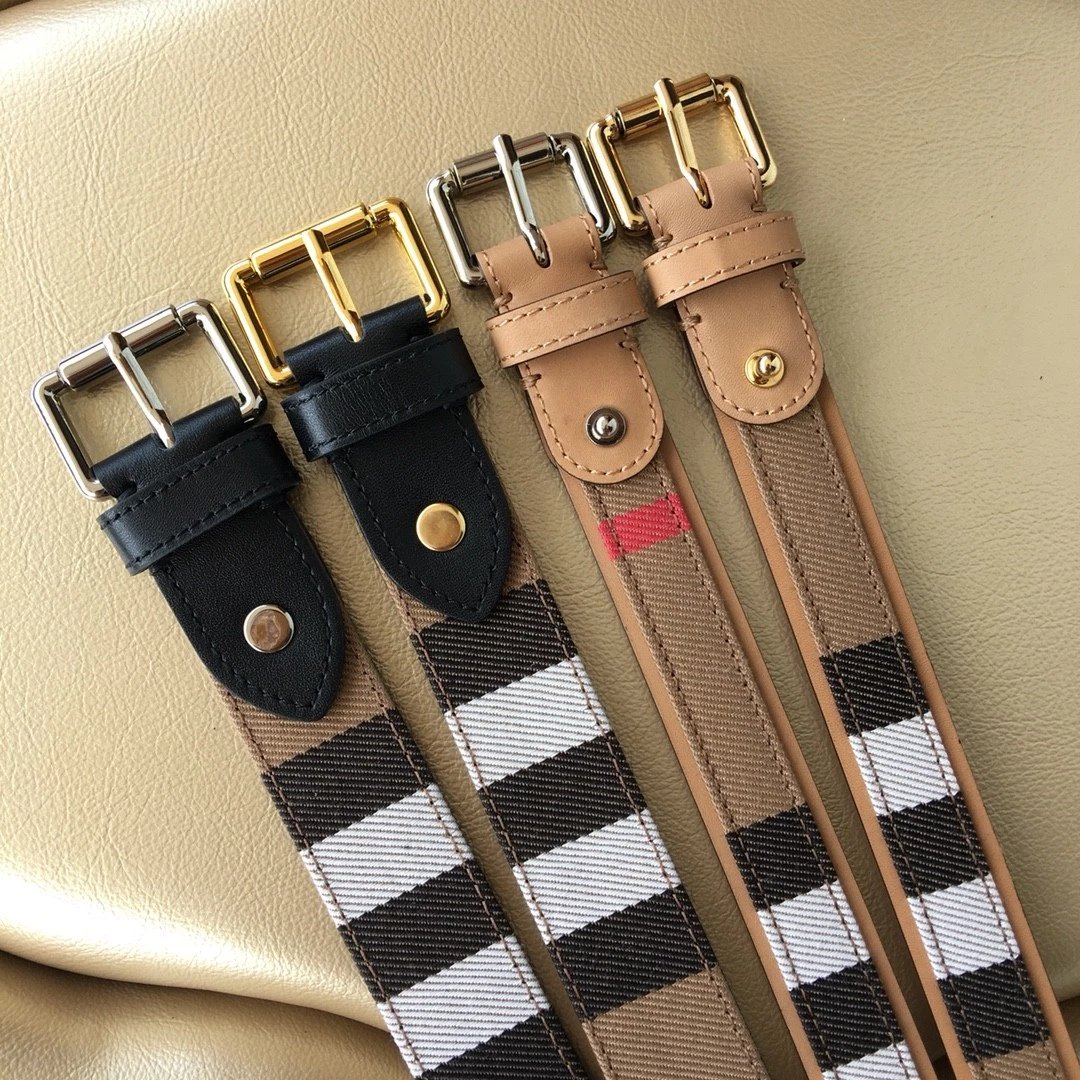
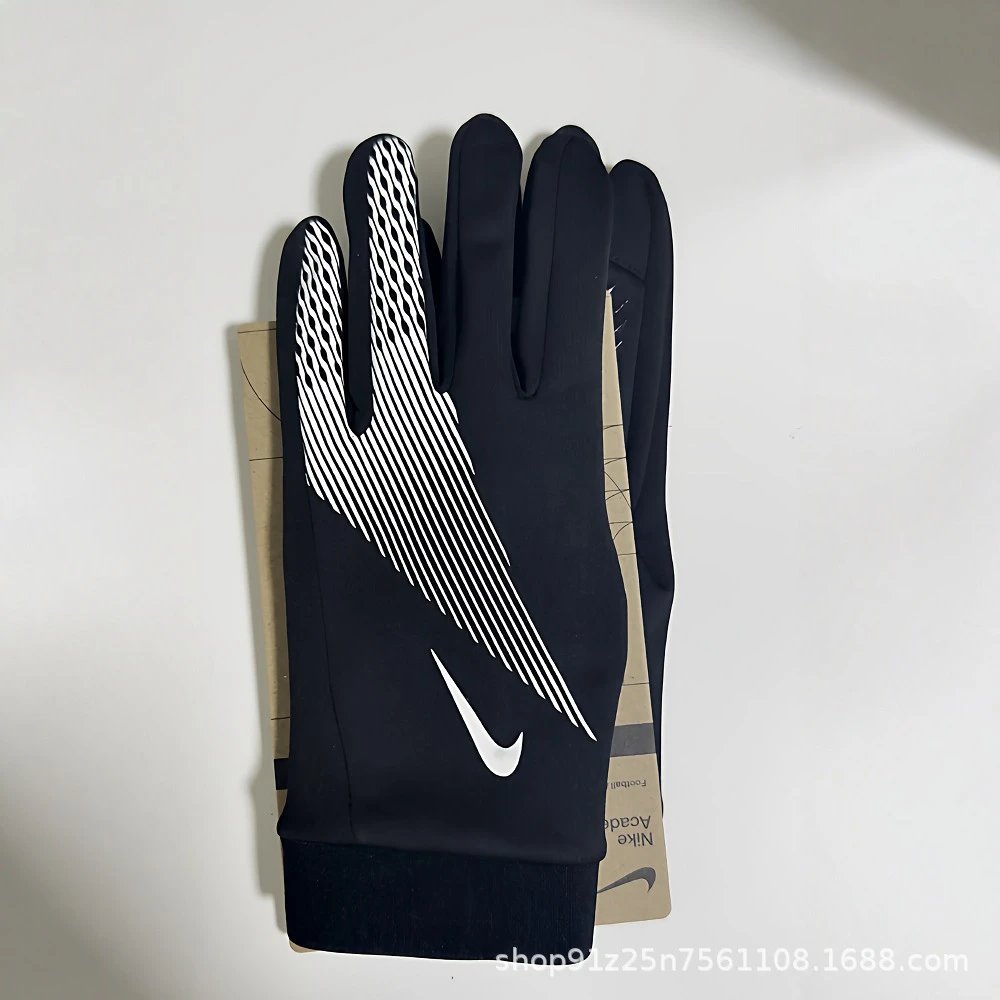
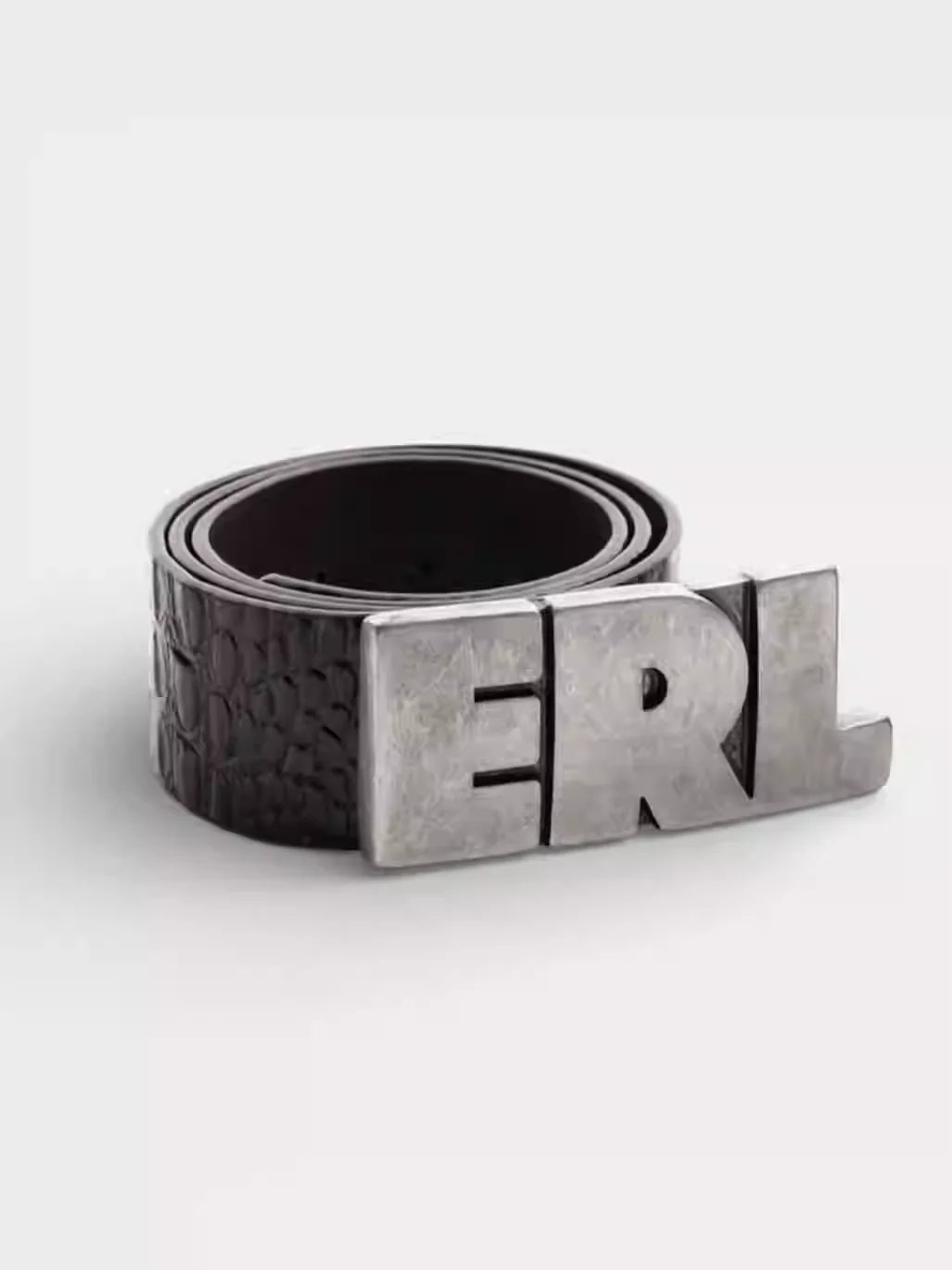
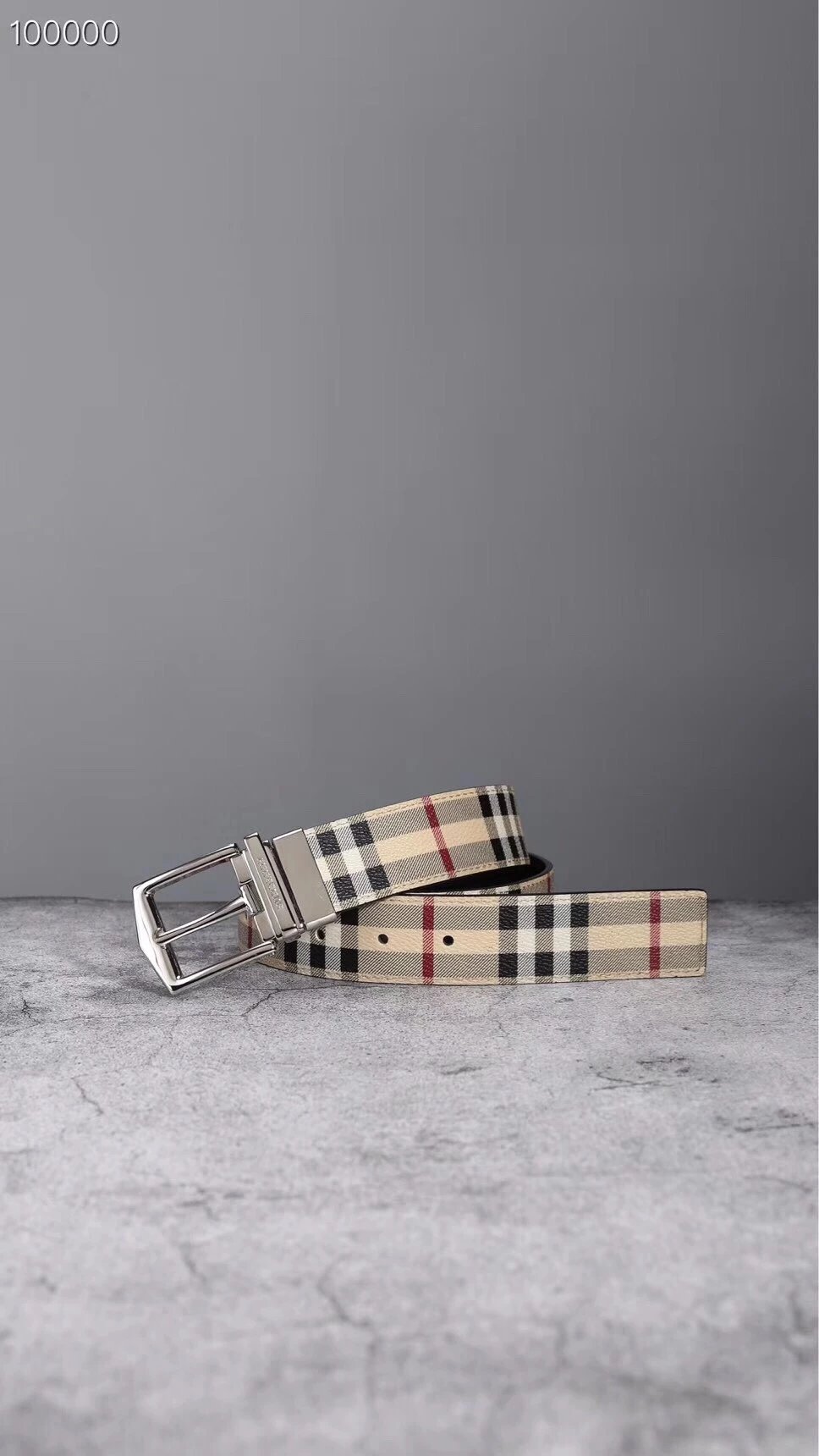
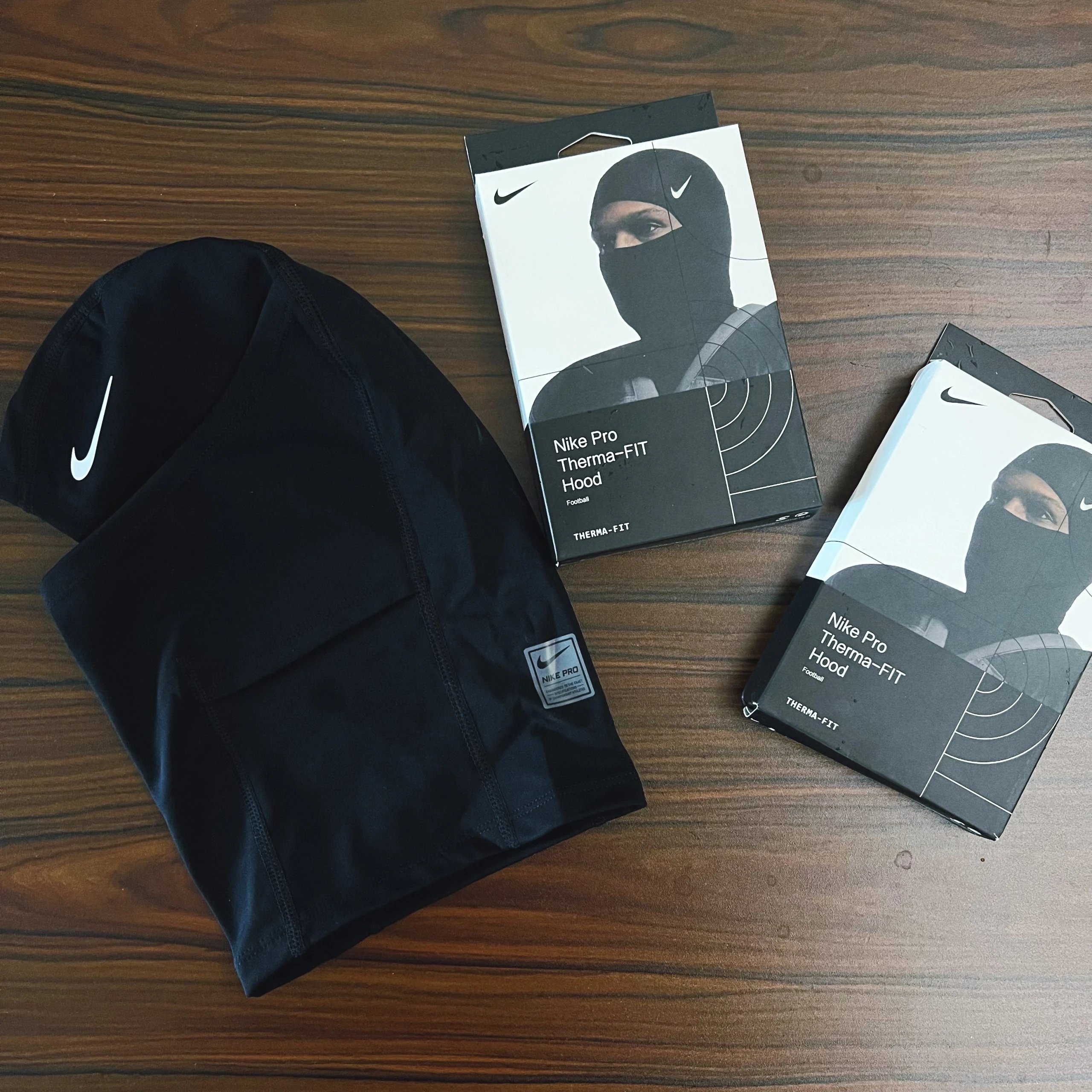
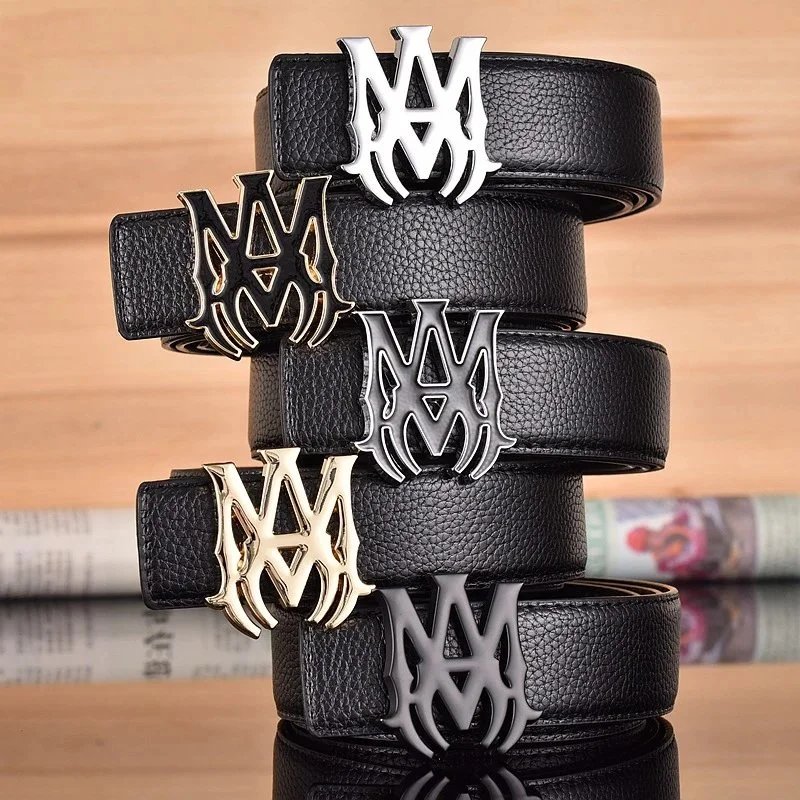
The LoloBuy Spreadsheet brings product pictures, style previews and available QC photos into one place. Browse footwear, clothing and accessories, compare reference prices, and carry the original product link into LoloBuy.

หมวดหมู่

รองเท้า

A shoe is more than its first photo. Browse sneakers and boots, then compare the side profile, toe shape, sole and any existing QC pictures on the product page.
เสื้อ

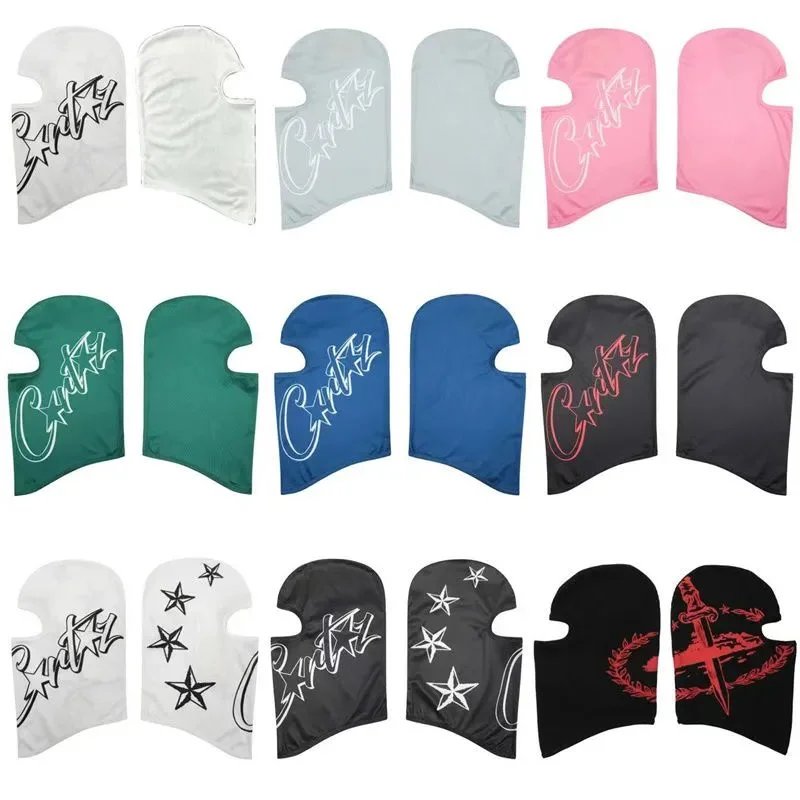
Start with the garment you need: T-shirts, hoodies, shirts or knitwear. Look through the gallery for necklines, print scale and sleeve details; confirm measurements when you open LoloBuy.

เสื้อนอก

Browse layers by type, from lightweight jackets to coats. Check the available photos for closures, collar construction and lining, then review the seller’s current options.

ชุดเซต

Keep coordinated pieces in view together. Photos can show how a set is presented; the destination offer confirms which pieces and quantities are actually included.

ชุดชั้นใน

Go straight to socks and underwear. Compare the displayed styles and pack photos, then check material, measurements and package contents on the current offer.

อุปกรณ์เสริม

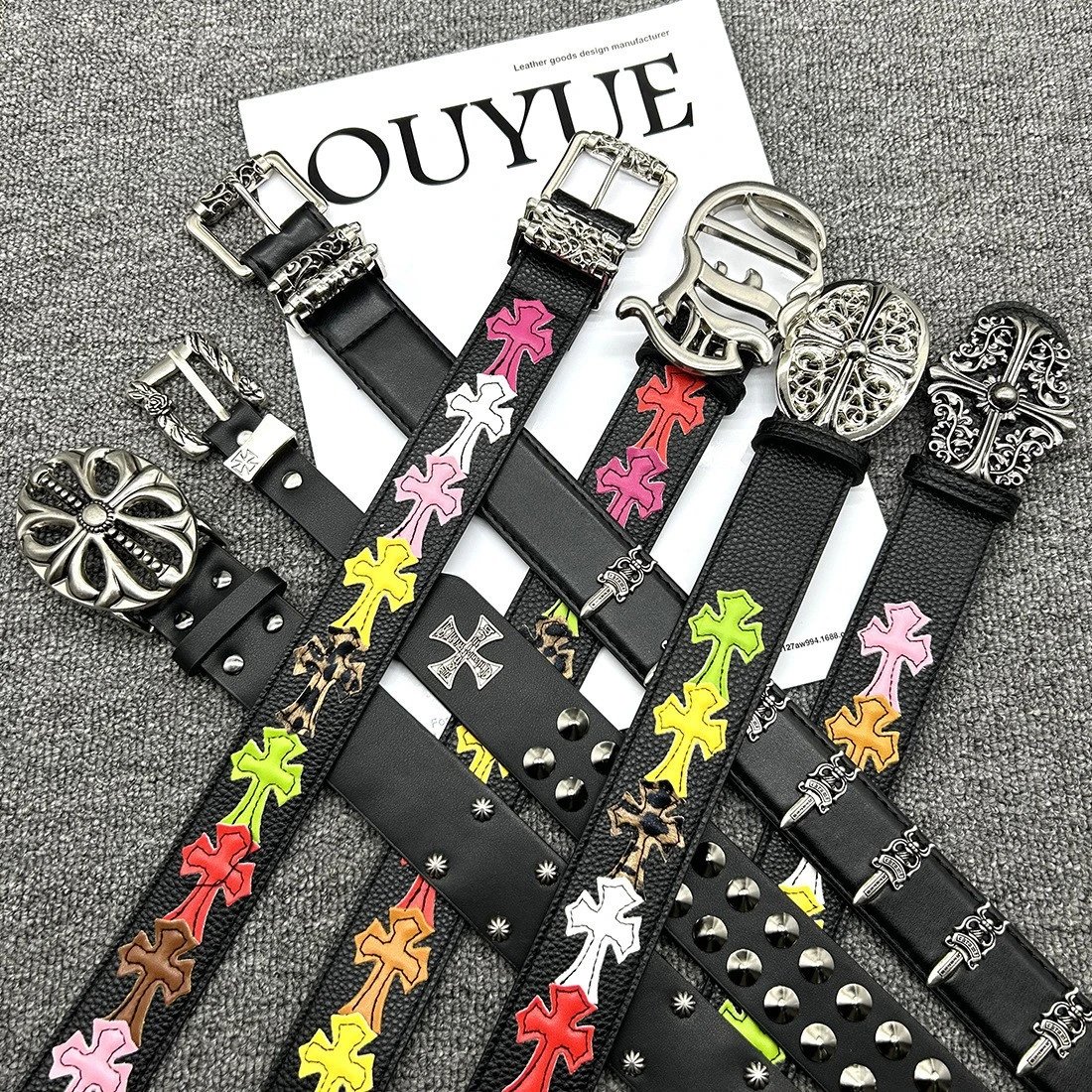
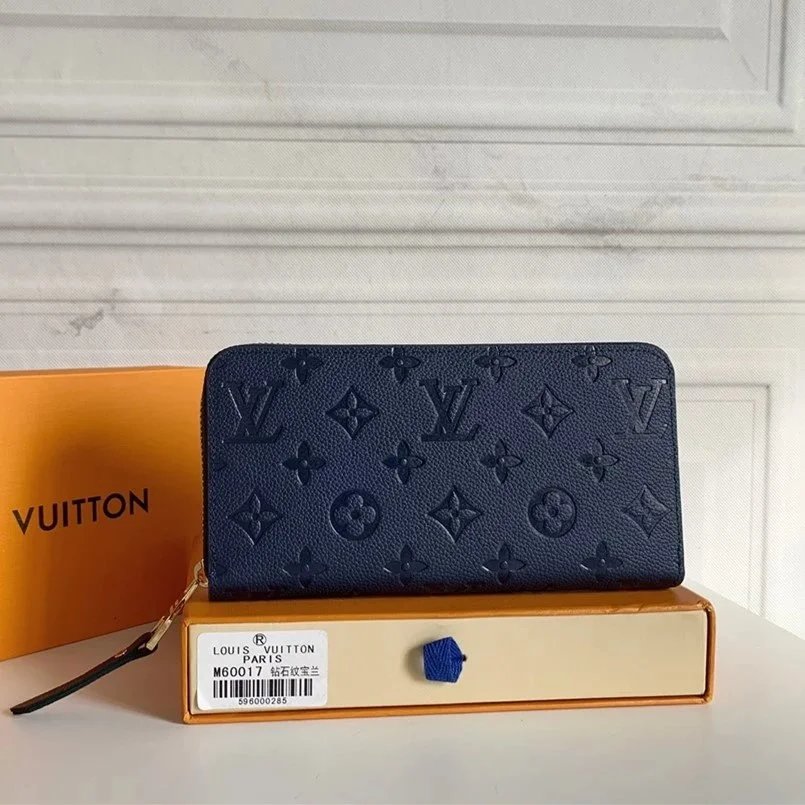
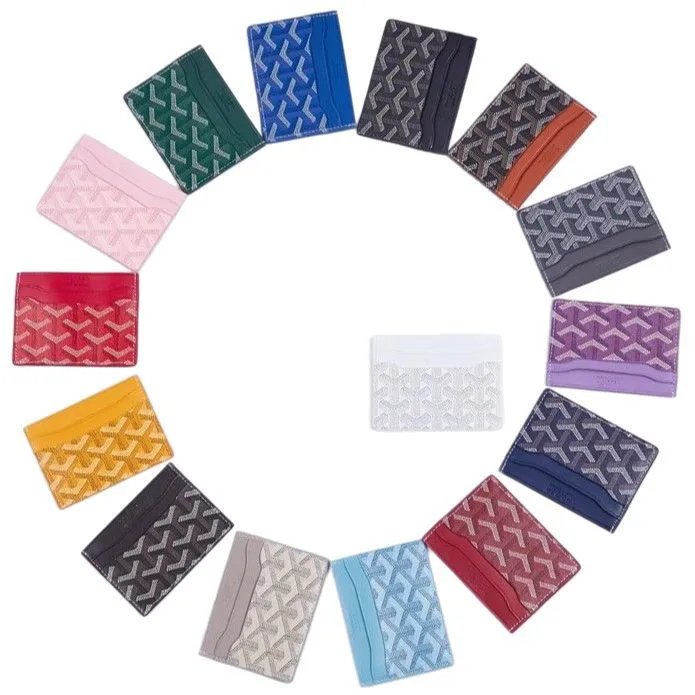
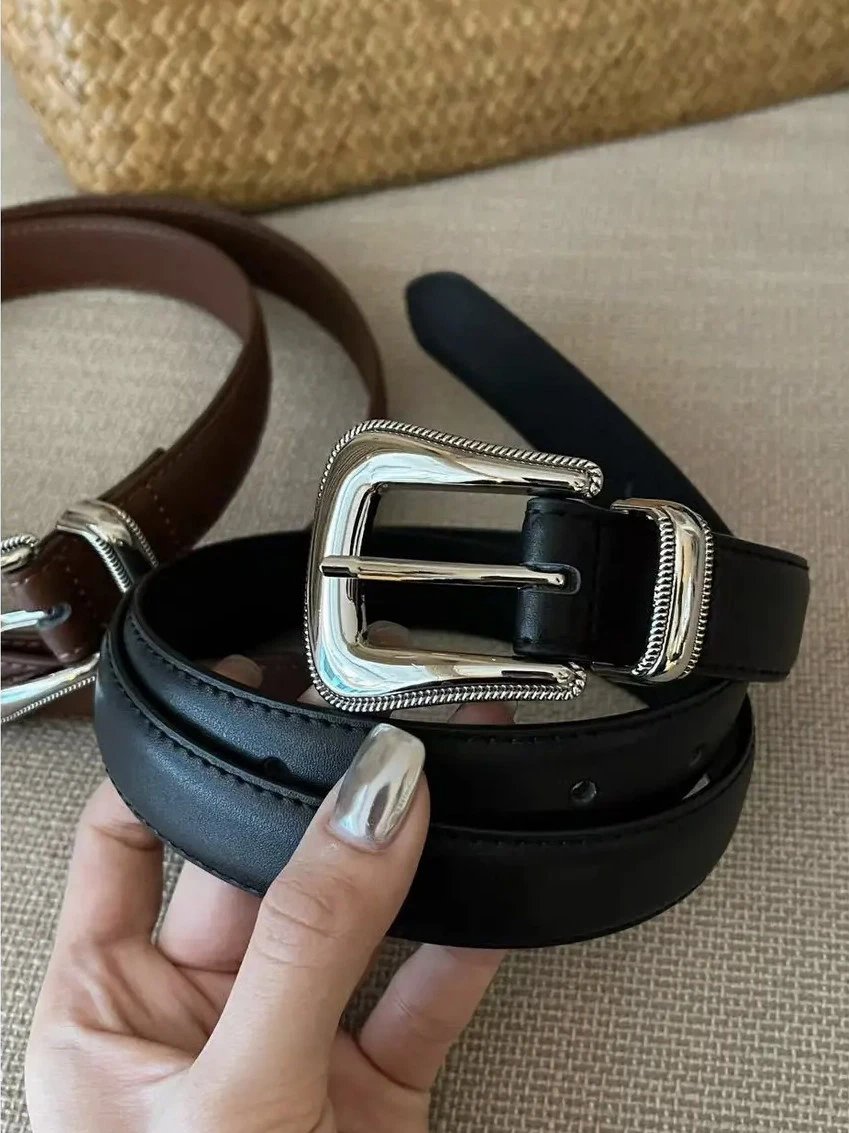
Find bags, hats, jewellery and watches without searching through a clothing feed. Examine straps, seams, fastening and hardware in the larger gallery where those views are available.

อิเล็กทรอนิกส์

Give model numbers and connections a closer look. Product photos can help identify a device, while specifications and compatibility need confirmation on its destination listing.

อื่นๆ

Some finds do not fit the usual wardrobe categories. Keep the pictures and original product link together while you check exactly what the seller is offering.

Before you open LoloBuy

How do I use this LoloBuy spreadsheet?

Search a product name, browse a category or upload a reference picture. Open a product to compare its gallery, pictured styles, reference price and any existing QC photos before continuing to LoloBuy.

Does the product button keep the item I found?

For supported Weidian listings, the button passes that listing’s original URL to LoloBuy and includes our invite code. The long number in the LoloBuy page path is a page key; the source link identifies the item.

What if I only have a screenshot?

Use image search to upload it. Results are visual matches, so compare the product details yourself; a similar photograph does not establish the same seller or batch.

Are the small style photos order selections?

They preview pictures here. Select your actual size, colour, quantity and other required options on LoloBuy.

Are QC pictures from my order?

These are existing reference images for the listing. Your own order’s inspection and any questions about it belong in your LoloBuy account.

What is included in the displayed price?

Use it to compare product reference prices, starting in USD. Shipping and the final amount depend on the current offer, selected options and destination. You can change the comparison currency in the header.

Is LoloBuy Lists operated by LoloBuy?

This is an independent discovery directory with referral links. LoloBuy handles account registration, purchases, payments and order support on its own website.